Send your crew
out with a clear plan.
Connect projects to jobs, assign the work, and put the scope, tasks and attachments in reach.
JOB SCOPE
Install closer and lockset
Confirm door operation
Project → Job → Assigned crewYour crew, projects, hours, and invoices—all in one place.
Bring the job site and the office together. Give every job a clear scope, capture the work, and keep the paperwork moving.
Illustrative product preview · fictional project
Construction
✳Renovation
✳Doors & hardware
✳Field services
KEEP THE WHOLE JOB TOGETHER
Less switching between messages, spreadsheets and loose receipts. More clarity about what needs doing next.
Connect projects to jobs, assign the work, and put the scope, tasks and attachments in reach.
Install closer and lockset
Confirm door operation
Project → Job → Assigned crewRecord work time, review extra-time requests, and compare project hours against a budget.
Capture receipts, review expenses, create client invoices, and record received payments.
CLICK AROUND. GET THE PICTURE.
Explore jobs, hours, receipts and invoices. This sample is interactive; no signup required.
Open the full demoAlex Lee · Riverside site · Today
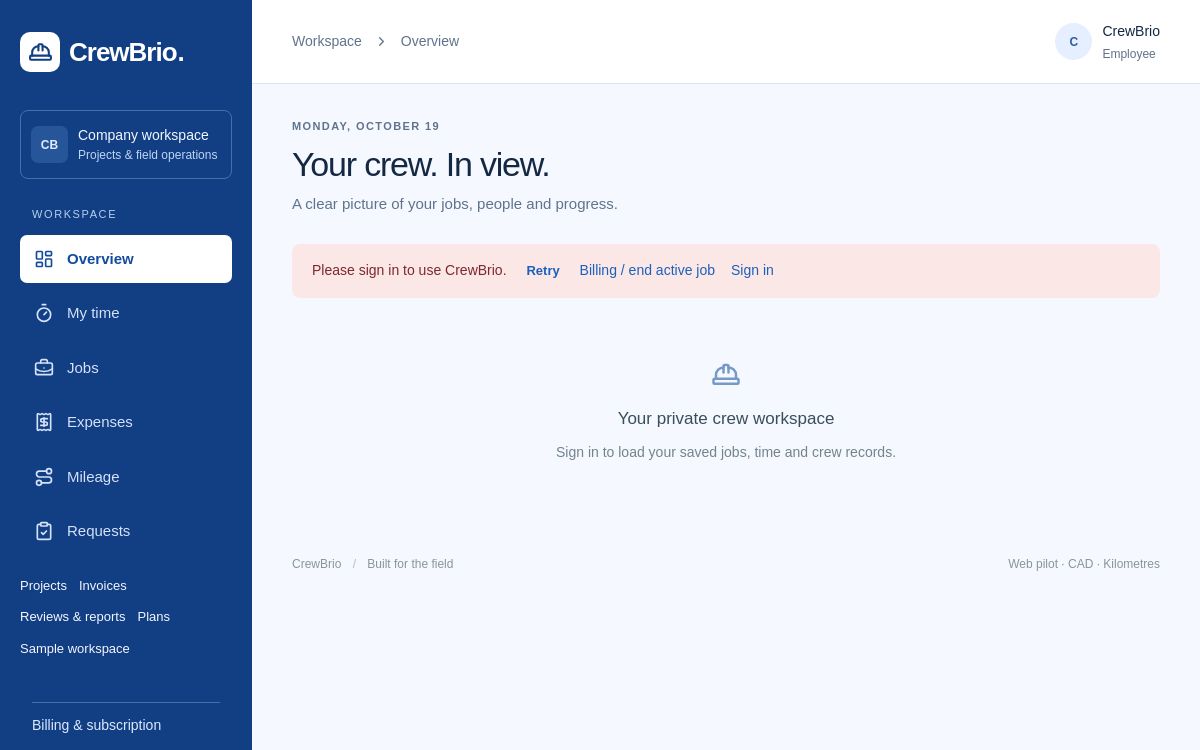
This is the current sign-in view. Company records stay private until an authorized user signs in.
CLARITY FOR THE TEAM. CONTROL FOR THE COMPANY.
Workspace permissions control who can manage crew, change jobs, review records and work with invoices.
Location sharing requires permission and stops when the job ends. Supervisors can view last-reported locations on a map. Web updates may pause when the phone locks; this demo collects no location.
Invoice creation and manual payment records are available in the workspace. Online client payments and automatic invoice emails are not connected yet.
SIMPLE PRICING FOR YOUR WHOLE CREW
Proposed launch pricing in Canadian dollars. Paid signup is not open yet.
A strong start for small crews.
$39.99 includes 5 employees.
No extra employee charge in this estimate.
More visibility as your team grows.
$89.99 includes 15 employees.
No extra employee charge in this estimate.
A home for your multiple crews.
$179.99 includes 30 employees.
No extra employee charge in this estimate.
Launch plans and access are still being finalized. These estimates do not start a subscription or guarantee availability. Confirmed features, seat rules and billing terms will be shown before any purchase.
A FEW THINGS WORTH KNOWING
Contractors, renovation companies, door and hardware specialists, and other field teams that need to connect jobs, crew hours, receipts and billing.
CrewBrio is a responsive web app designed for phone and desktop browsers. It is not currently offered as a native App Store or Google Play download.
We are accepting early-access requests. Public company signup and paid plans are not open yet. Existing authorized users can use the Log in link.
No. The demo uses fictional data. Clicking tasks, clocking in or recording a payment here does not modify company records or collect location.
Not yet. You can create invoices, save PDFs through the print dialog, compose emails in your email app and record payments received. Online collection and automatic email delivery are future integrations.
Email cam@securedoors.ca with “CrewBrio” in the subject for product questions, early-access updates or privacy requests.
LET’S BUILD A BETTER WORKDAY
Tell us a little about your team. We’ll review your request and contact you about early access.